AI Image Generator.Bring your ideas into view.

Create images from text or a reference with Reflaso's AI image generator. Choose a model, shape the style and composition, and review the credit cost before generating.

Explore AI-generated images

Explore different subjects, visual styles and compositions. Choose an idea and use its prompt as a starting point for your own image. These examples illustrate different creative directions, rather than results from every model in the selector.
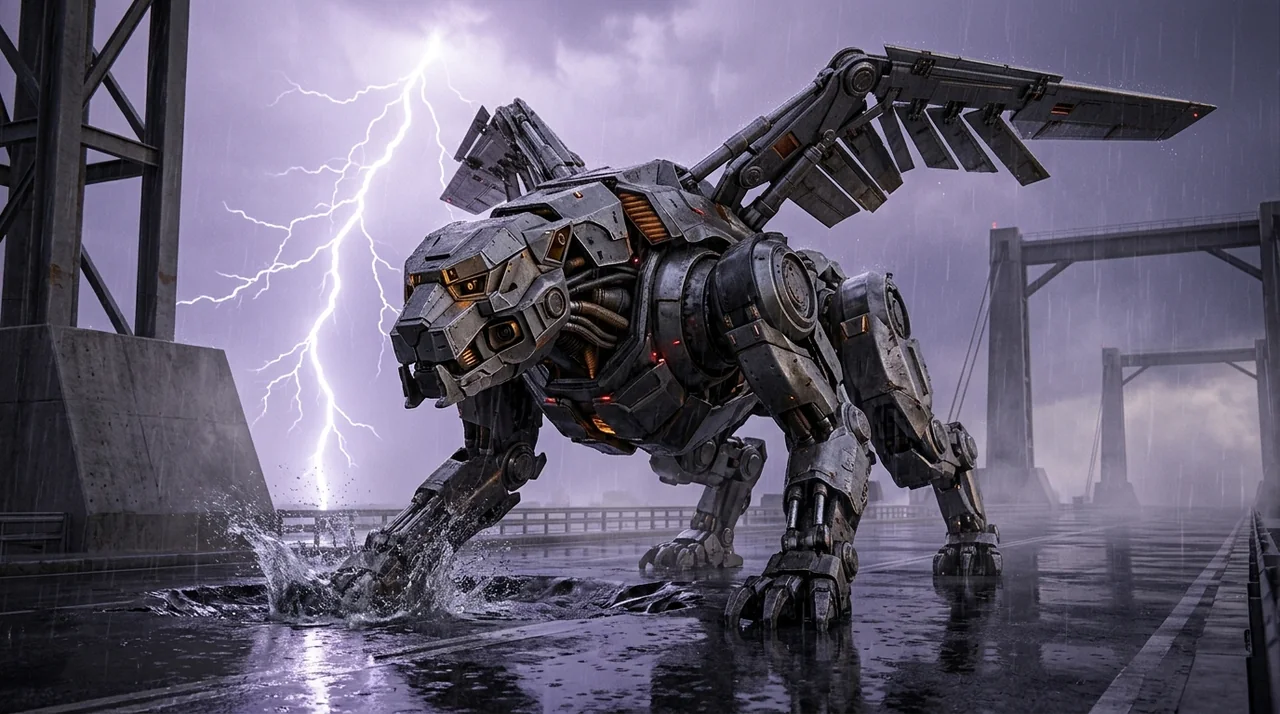
A massive four-legged mechanical winged creature braces on a rain-soaked causeway beneath branching lightning.
The Stormbound Mechanical Beast

A massive four-legged mechanical winged creature braces on a rain-soaked causeway beneath branching lightning.

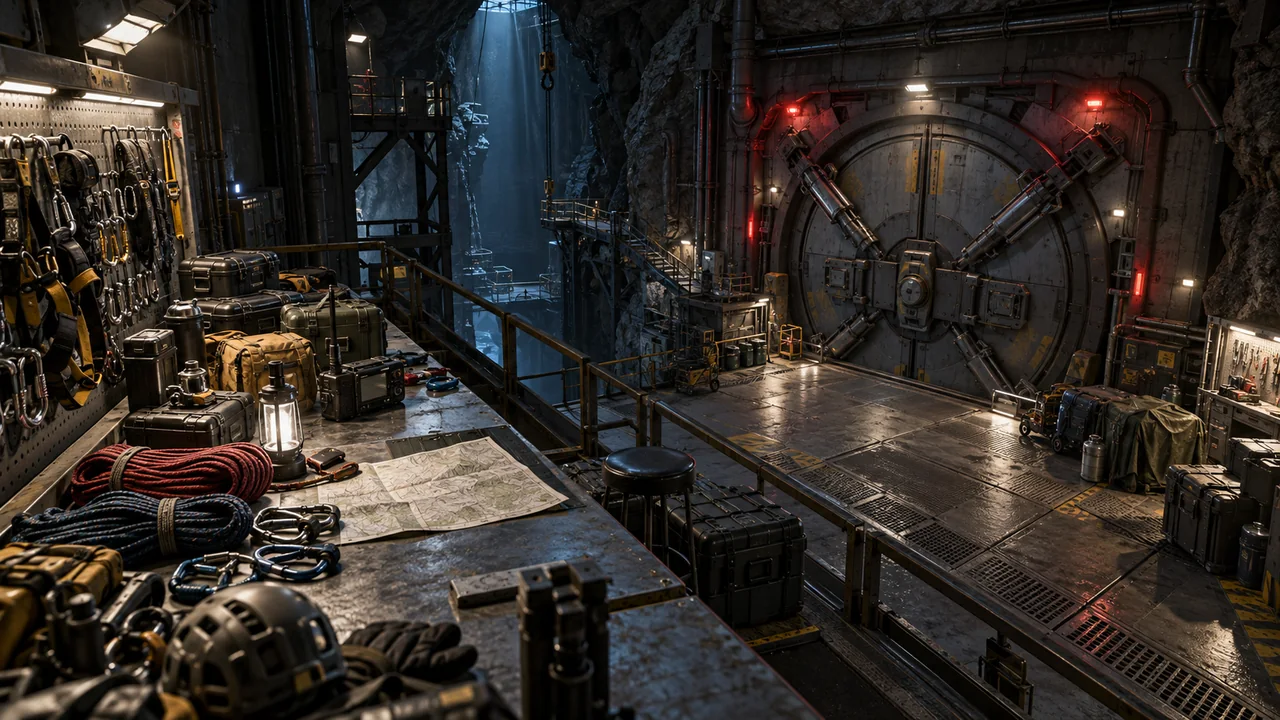
An underground expedition preparation room with equipment, warning lights and deep environmental perspective
Before the Descent

An underground expedition preparation room with equipment, warning lights and deep environmental perspective

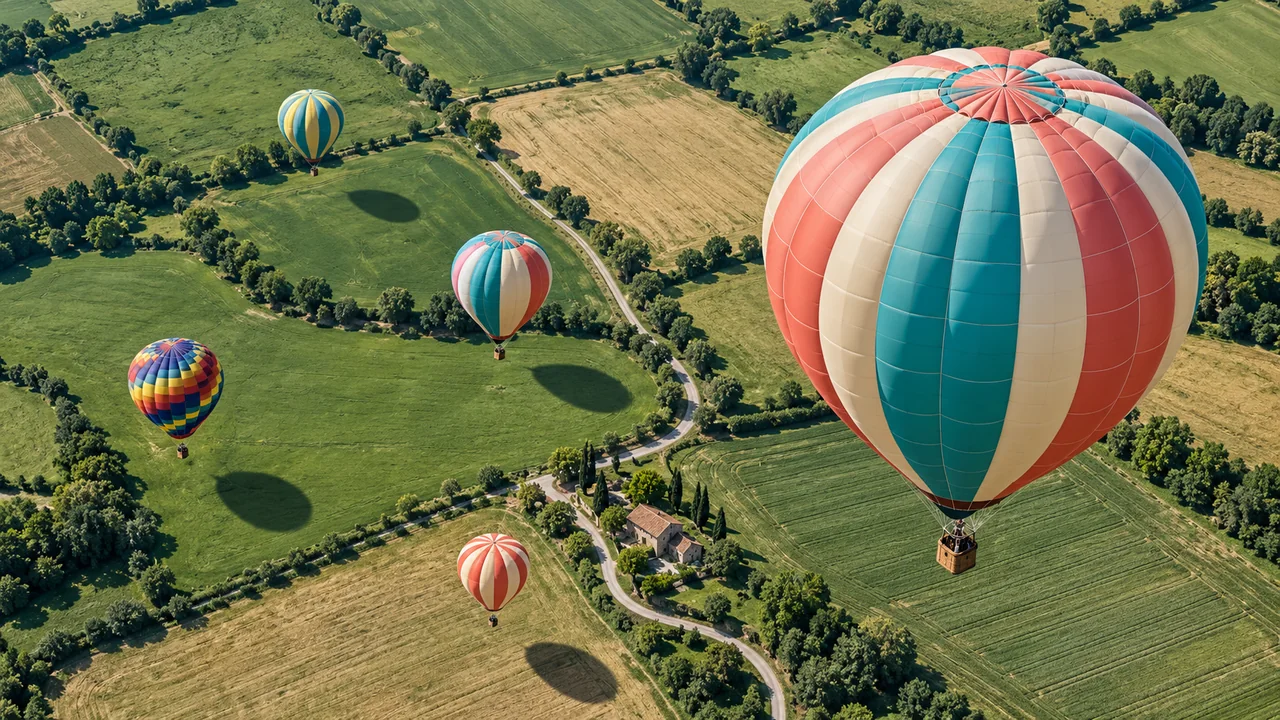
A colorful hot-air balloon floating above patchwork fields beneath a broad daylight sky
Above the Patchwork Fields

A colorful hot-air balloon floating above patchwork fields beneath a broad daylight sky

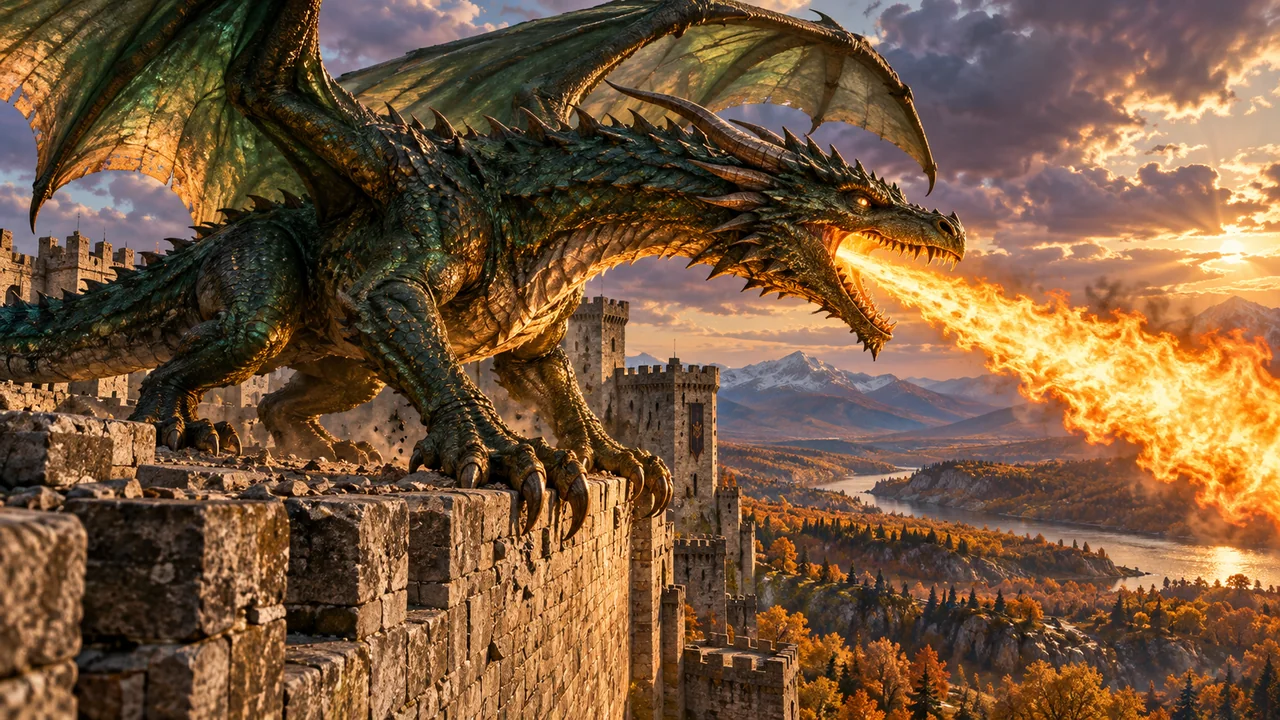
An original dark emerald dragon braces on a stone fortress wall and breathes orange-gold fire over an autumn valley.
The Dragon on the Rampart

An original dark emerald dragon braces on a stone fortress wall and breathes orange-gold fire over an autumn valley.

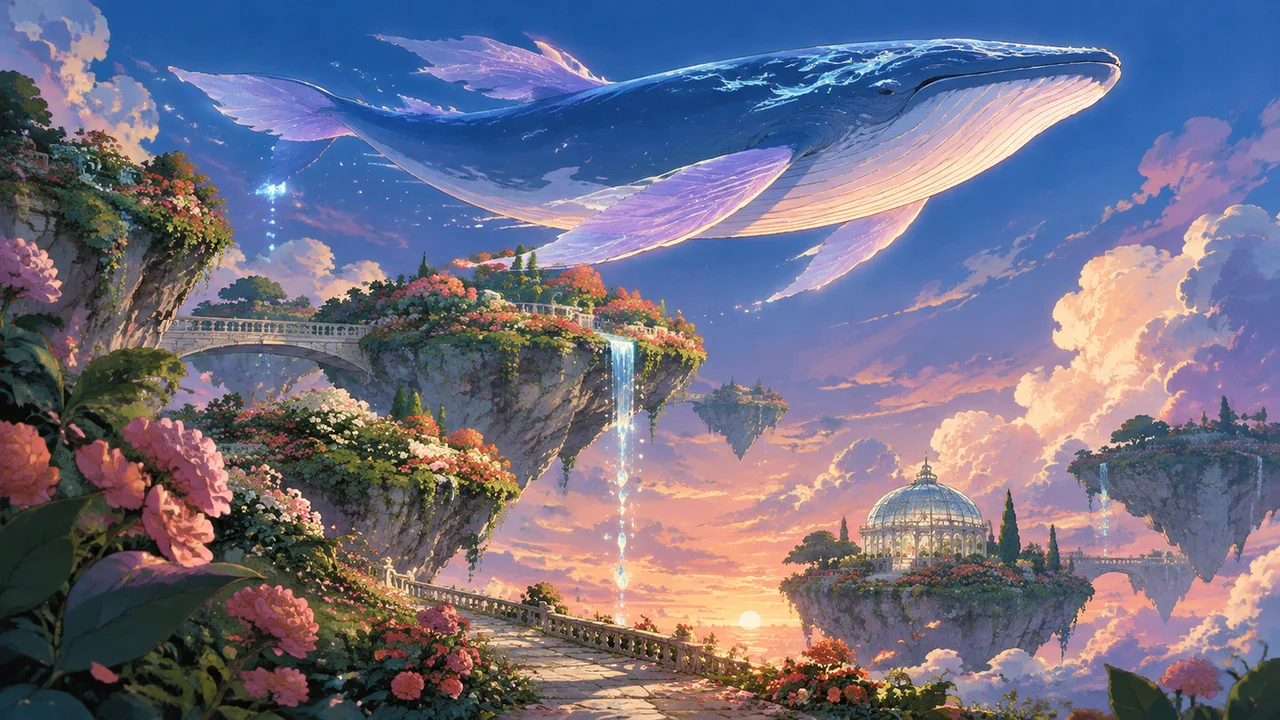
A luminous celestial whale floats above flowering terraces and a glass conservatory in a richly colored hand-drawn sunset sky.
The Skywhale Gardens

A luminous celestial whale floats above flowering terraces and a glass conservatory in a richly colored hand-drawn sunset sky.

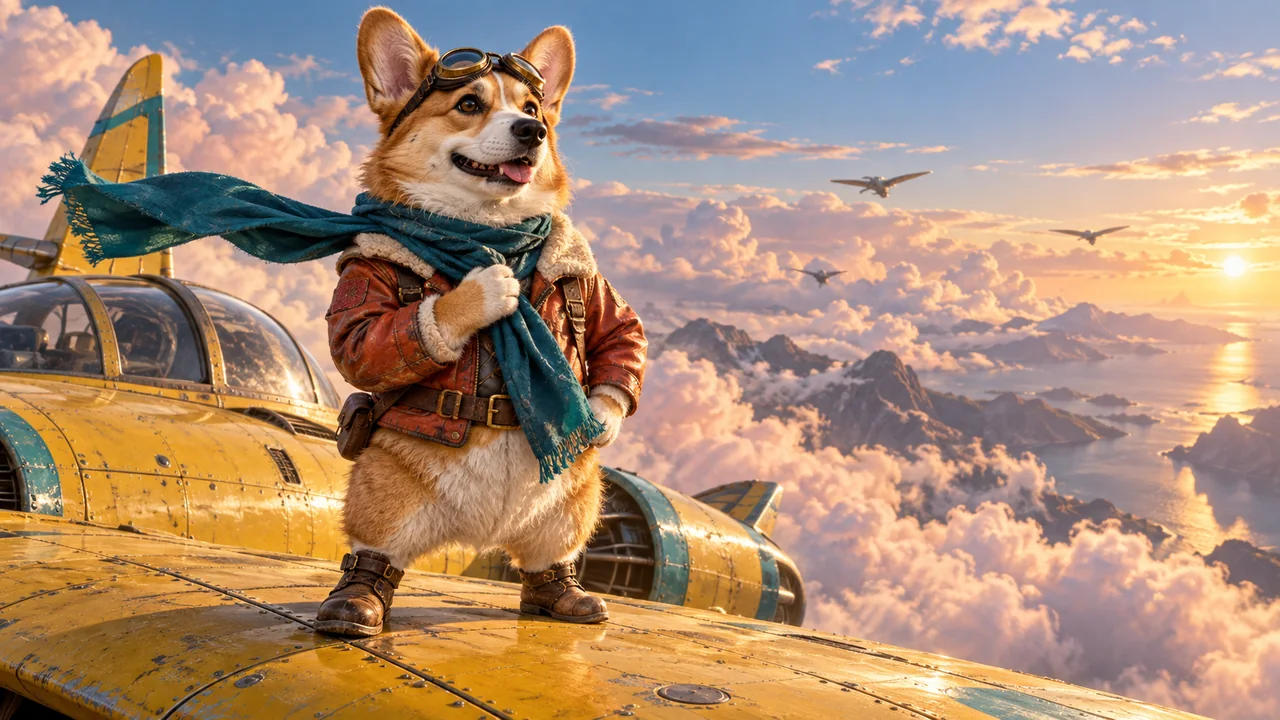
An anthropomorphic corgi in an orange-red flight jacket and teal scarf stands on a yellow aircraft wing against peach clouds and blue sky.
The Corgi Ace Pilot

An anthropomorphic corgi in an orange-red flight jacket and teal scarf stands on a yellow aircraft wing against peach clouds and blue sky.

Start with text or a reference image

Choose the starting point that best explains your idea. Build a scene from words, or bring a reference when its subject, color or composition matters. Reference images can guide a result; they do not guarantee a precise edit. The artwork here illustrates possible directions, not before-and-after edits.
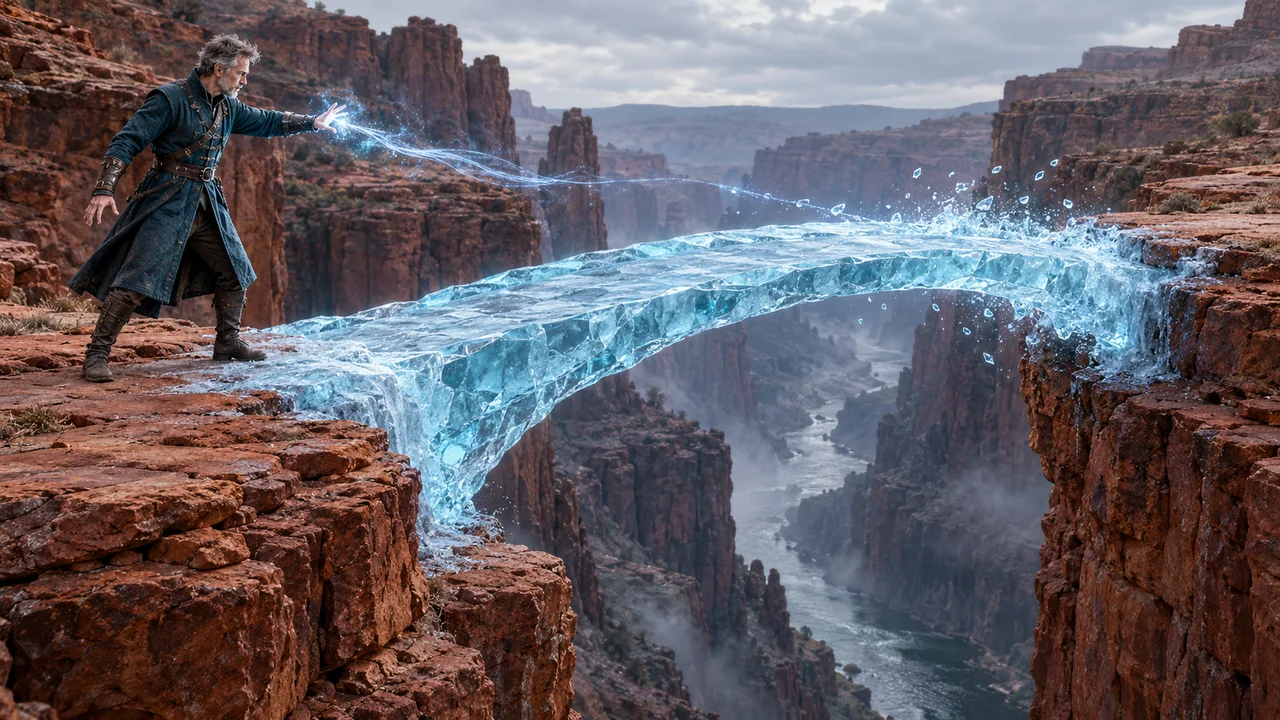
An original mage standing beside an ice bridge spanning a dramatic mountain ravine

Text to image

Describe the subject, setting, style and composition you want to see. Start from words when you are exploring a new visual without a reference.
Create from text
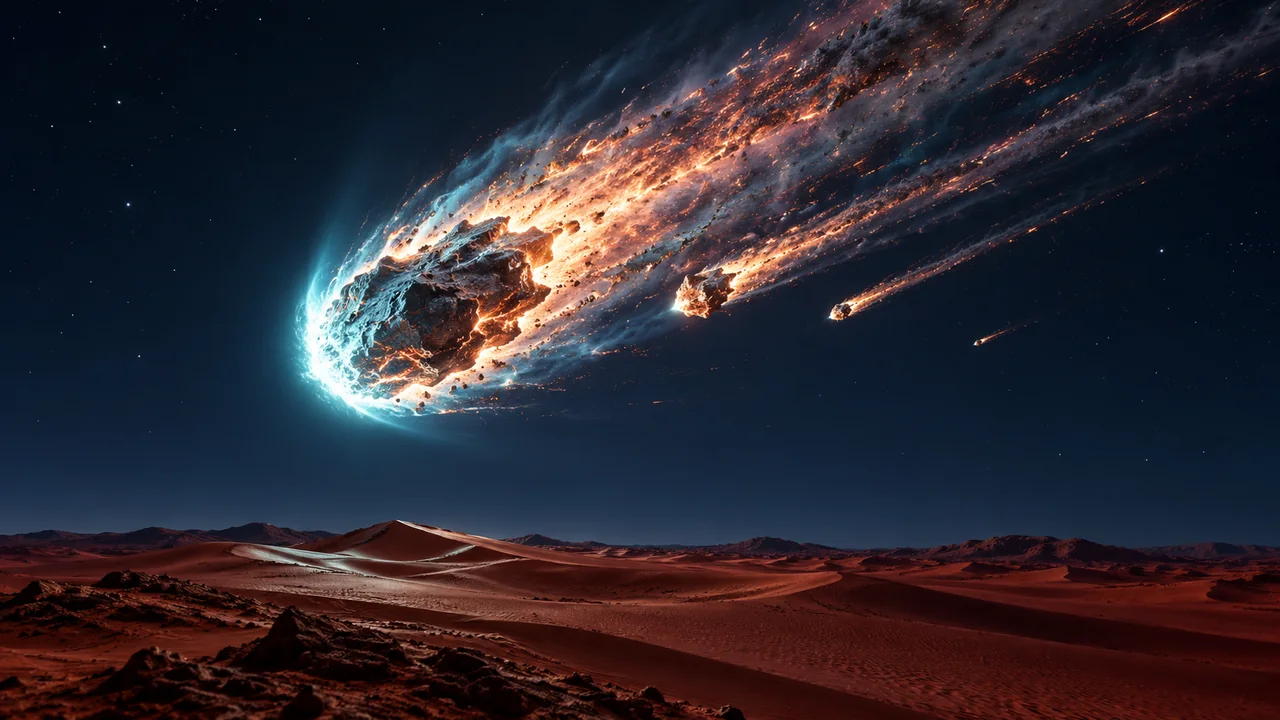
A bright meteor breaking apart above an expansive desert under a deep night sky

Image to image

Add one image you have permission to use and explain the direction for the next result. A reference can guide composition, color or subject; exact details may change.
Create with a reference

Find a visual direction for your project

Use AI images to explore a concrete deliverable. Choose a visual treatment that serves the idea, then check the result against the work it needs to do.
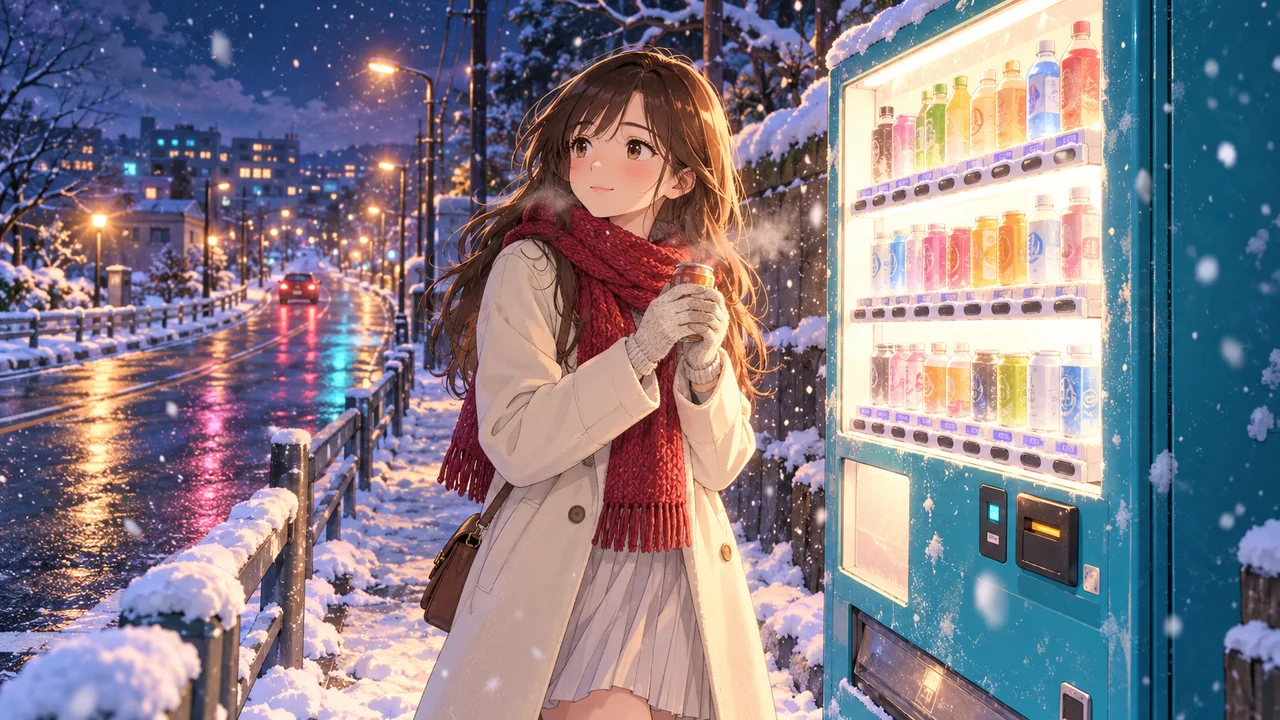
An original young adult anime woman warms her hands around a drink beside a glowing vending machine on a snowy winter roadside at night.

Editorial illustrations

Create a visual metaphor for a story, article or presentation. Choose a drawing treatment and leave room for the layout you will add later.
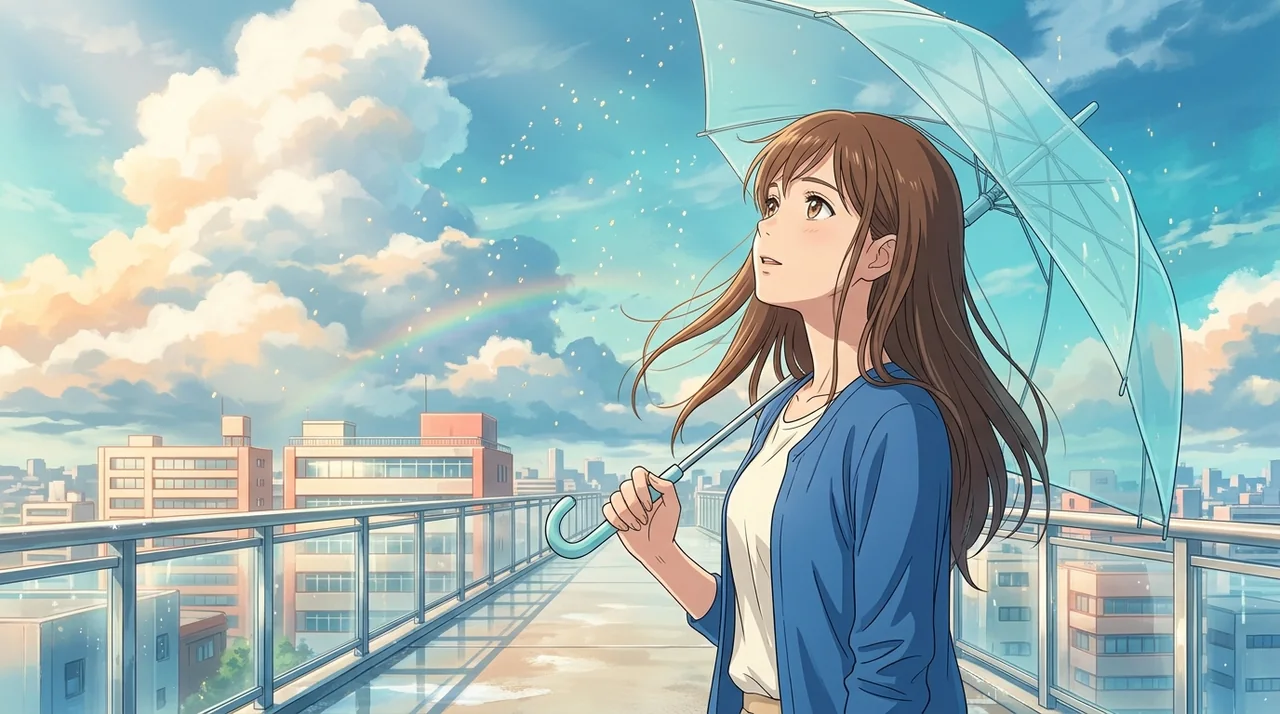
An original young adult anime woman with long chestnut hair lowers a transparent umbrella on a sunlit skybridge after rain, beneath luminous clouds and golden droplets.

Social visuals

Plan a post, cover or campaign concept around one clear subject. Choose the destination ratio and add final typography in your design editor.
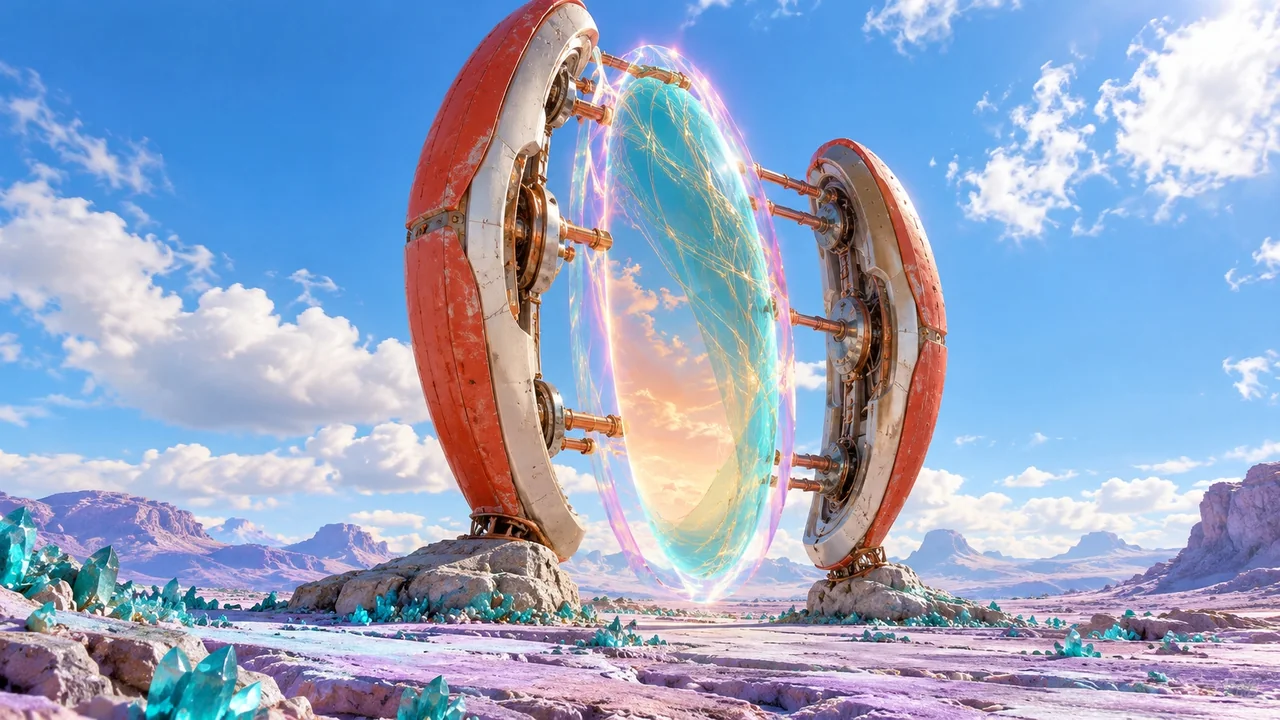
Two offset coral-red and ivory elliptical frames enclose a turquoise light membrane on a sunlit lavender mineral plain.

Product concepts

Explore a product's setting, materials and lighting. Check shape, labels and factual details before using a result in marketing.
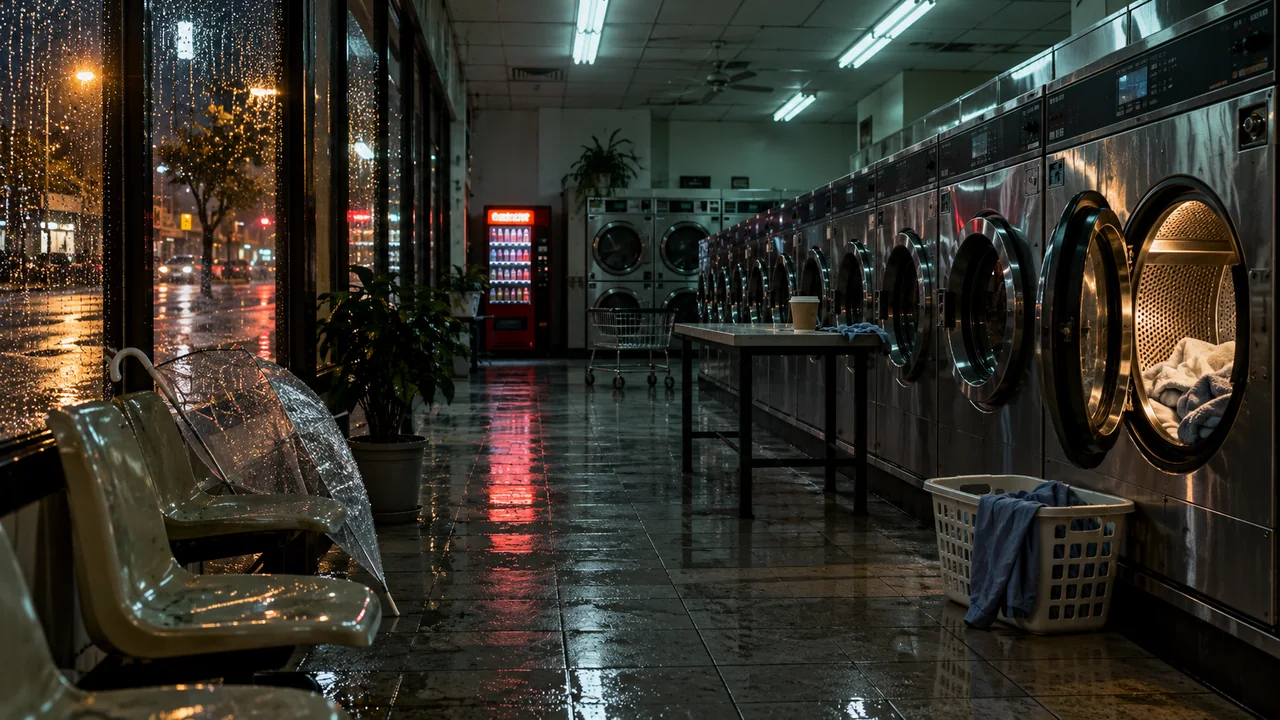
A rainlit midnight laundromat with warm machines, reflections and a clear cinematic foreground

Character and world concepts

Develop an original character, environment or story setting in a visual direction you choose. Review related images for consistency; exact identity is not guaranteed.

Choose an image model and output settings

The image selector currently includes 28 models. Choose by supported input, output format and task cost. The examples below describe three starting points; they are not a quality ranking. Available models depend on configured providers and the selected input. Credits are available only for verified setting combinations and are confirmed before generation.
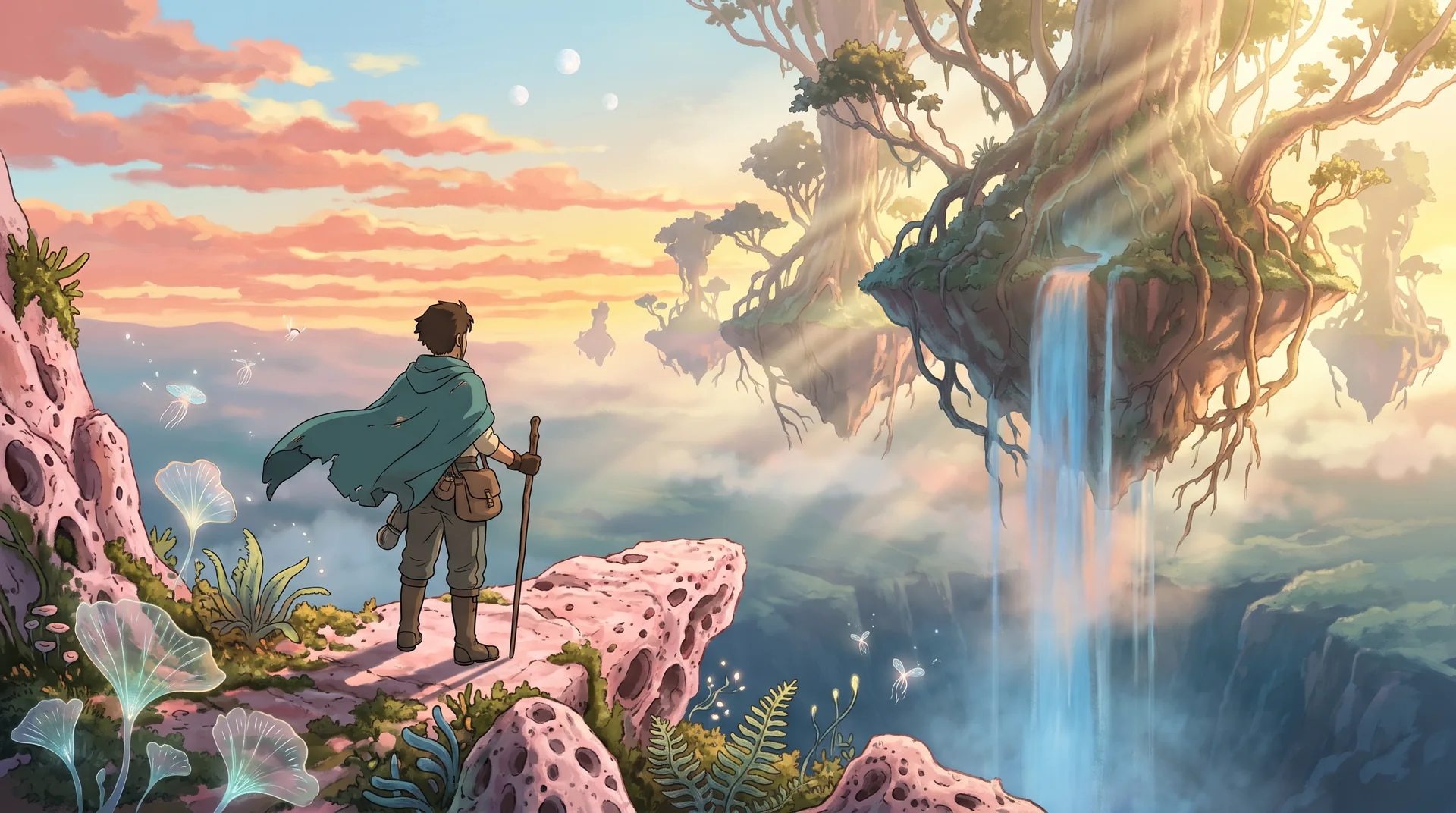
An original anime explorer among inverted floating islands

Nano Banana 2.1

The default image model in this workspace. Start from text or one reference, then choose a supported resolution and aspect ratio.
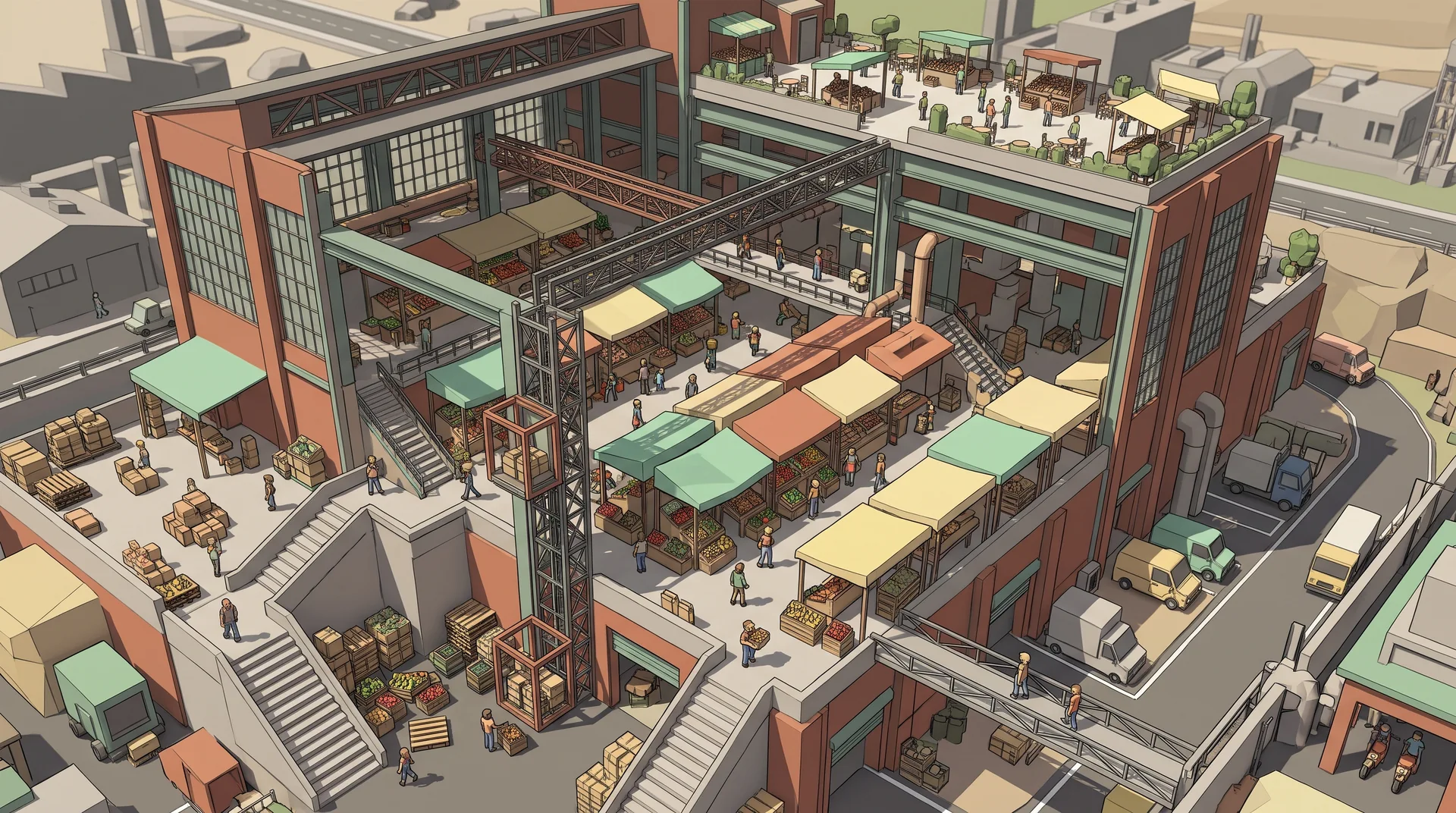
A colorful isometric industrial market filled with stalls and walkways

GPT Image 2

An alternative for text or reference-based creation. Review the resolution and quality combination, then check that your chosen settings have a task price.
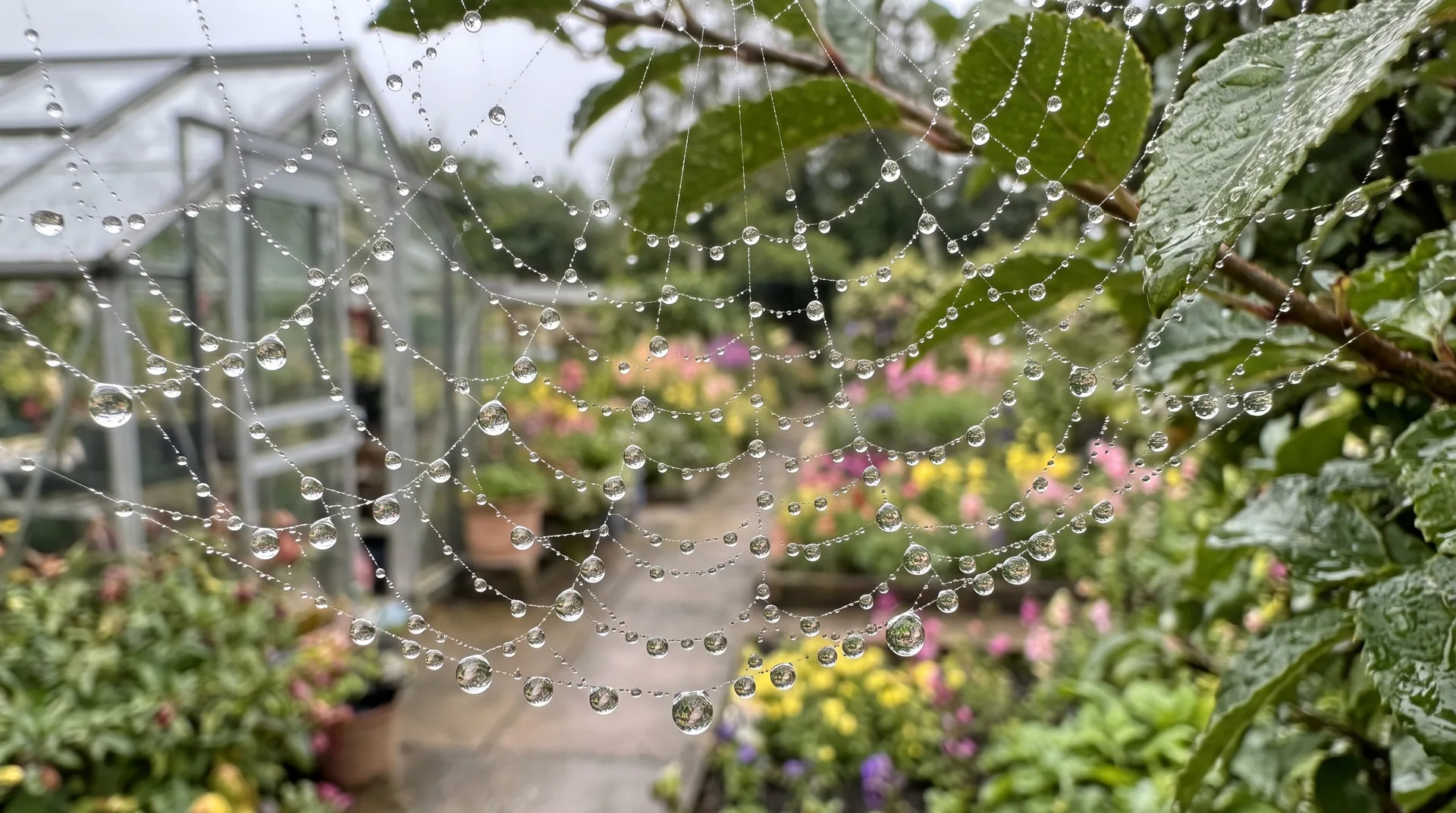
Dew-covered spider silk with a greenhouse garden softly visible behind it

Seedream 4.5

Another text and reference-image option. Available aspect ratios vary by input mode, so check the output menu after adding a reference.
Guide the composition, style and detail

Build the brief around subject, setting, visual treatment, lighting and composition. Choose the destination format before generating. If you want room for a headline, describe where the subject and open space should sit. Review small details at full size, then change one priority in the next attempt.
  • Describe a coherent scene instead of stacking conflicting style words.
  • Ask for a photographic, anime, graphic or tactile treatment in the prompt; the result depends on the model.
  • Add exact typography in a design editor when every character matters.
Explore image prompt ideas
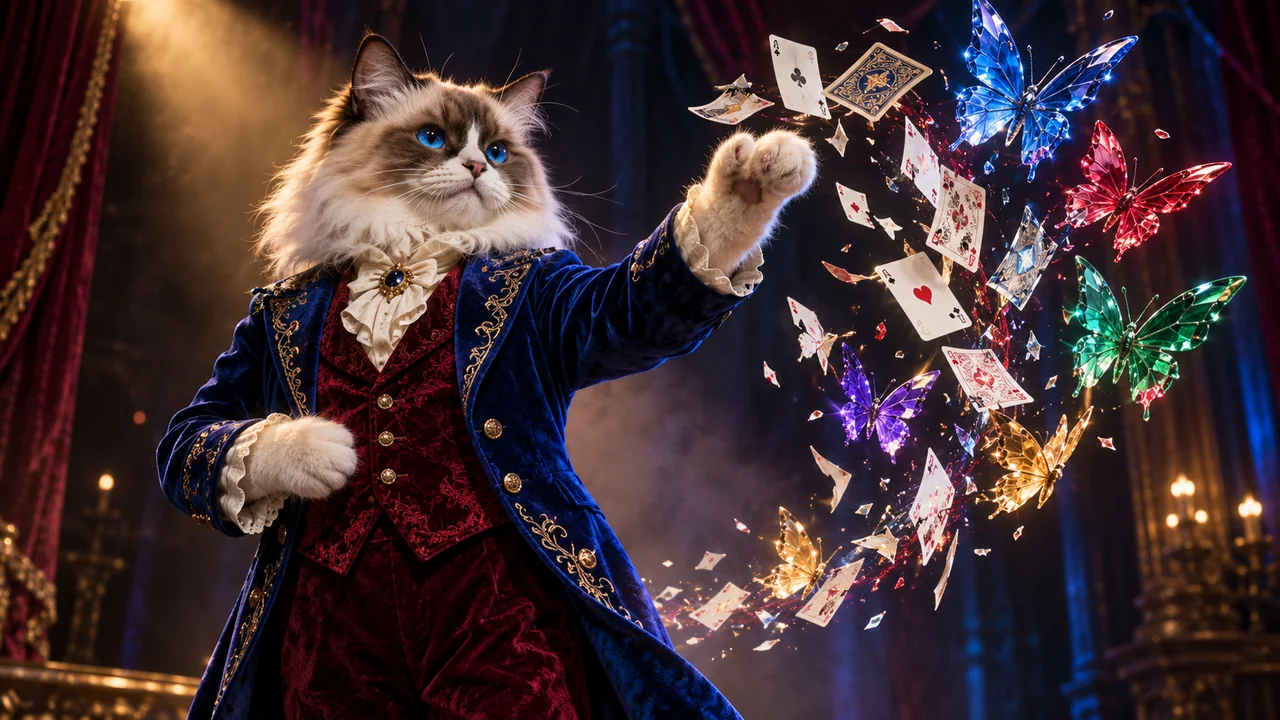
An anthropomorphic ragdoll cat in a blue velvet tailcoat transforms playing cards into jewel-colored glass butterflies on a dark burgundy theater stage.

One credit balance for images and video

Choose a monthly plan, pay yearly with two months off, or add a one-time credit pack. Images and video share your balance. Available plans show a purchase button.

Starter

For your next visual idea.

$19.90/ month
Billed monthly. Cancel future renewal anytime.

1,000 credits / month

Monthly credits remain available through the current billing period.

Unexpired purchased credits remain usable after cancellation.
  • ✓  All available paid image and video models
  • ✓  Model-supported sizes and settings
  • ✓  Private results and original downloads
  • ✓  Same model credit rates on every plan

Studio

More room for frequent creation.

$59.90/ month
Billed monthly. Cancel future renewal anytime.

5,000 credits / month

Monthly credits remain available through the current billing period.

Unexpired purchased credits remain usable after cancellation.
  • ✓  All available paid image and video models
  • ✓  Model-supported sizes and settings
  • ✓  Private results and original downloads
  • ✓  Same model credit rates on every plan

How to use the AI image generator

Keep the brief, output settings and result together. Start with one clear visual, then make deliberate changes when you need another version.
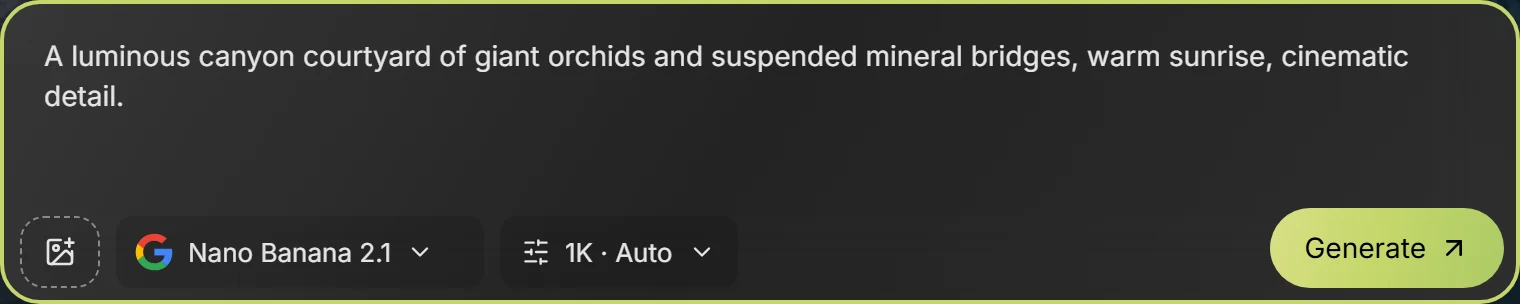
Reflaso image prompt composer with an example scene description

Write a focused prompt, or add one reference and explain how it should guide the result. Use a JPG, PNG or WebP file up to 10 MB and include only material you have permission to process.

AI image generator FAQs

Check access, input requirements and the limits that matter before generating. Get generation help. Want to animate a starting image? Explore image to video.

Create the image you have in mind

Start with a subject, a scene and a visual direction. Choose your model and make the next image yours.
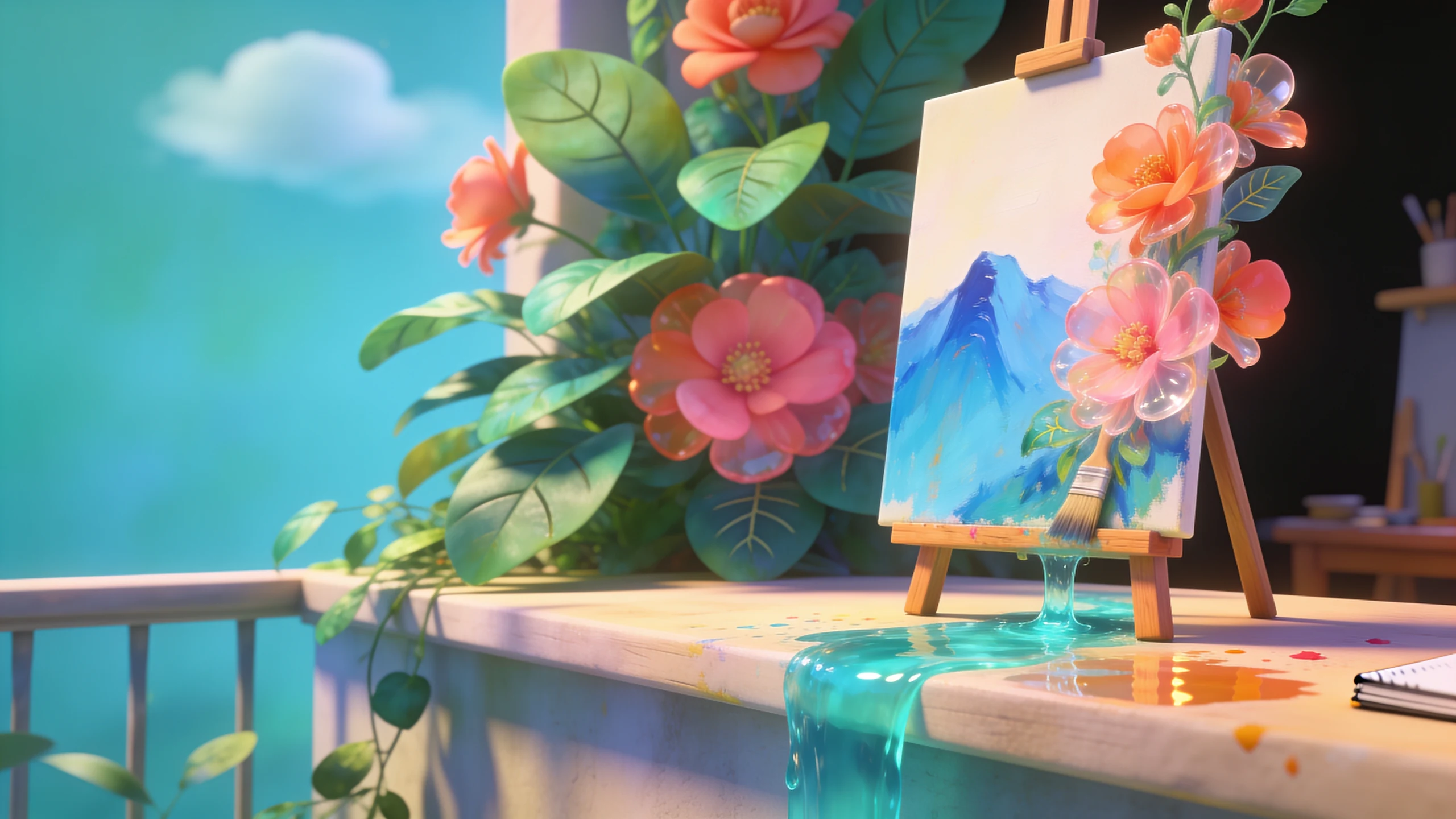
A bright animated canvas spills a painted mountain garden into the real world