AI Video Generator.Give your ideas motion.

Create short clips from text or a reference with Reflaso's AI video generator. Describe the action and camera movement, choose supported settings, and review credits before generating.

Explore AI-generated videos

Watch each clip from beginning to end. Explore subject movement, camera direction and visual style, then use a prompt to start your own shot. These eight-second examples were created with Veo Fast through model platforms. They are original clips, not demonstrations of every model in the selector. Use each player's controls to review the picture and audio.

Wet Track Corner

A racing car cornering on a wet track with a trail of spray

The Mask Guardian Awakens

An enchanted mask guardian wakes inside a luminous ruined chamber

Catching a Tiny Comet

An astronaut reaches toward a tiny comet arcing through a colorful space station

Clockwork Butterfly

A clockwork butterfly opening its wings in a detailed workshop

Start from a scene or a still image

Choose whether the model should build the scene from your words or begin with a visual reference. In either case, keep the action clear enough to follow through a short shot. The clips here illustrate creative directions, not reference-to-result comparisons. The workspace accepts one image; multi-image, video-reference and combined first/last-frame inputs are not provided here.

Text to video

Describe the subject, location, action and camera movement. Start from words when the scene and its motion both need to be created.

Create a video from text

Image to video

Add one image you have permission to use, then describe what moves and what stays still. A reference guides the visual starting point; continuity and exact details can vary.
Create a video from an image

Plan a clip for your project

Generate a focused shot for a larger creative workflow. Choose the scene's purpose before choosing the movement, and leave final editing and delivery checks in your production process.

Social and campaign concepts

Test the mood and movement of a short campaign idea. Generate a clip for review, then add final branding, captions or edits in your production workflow.

Animation and story shots

Explore an original animated moment or a single story beat. Keep the main action readable and check the whole shot for continuity; related clips may not preserve identical characters.

Product and environment motion

Explore a moving product scene, a location or an establishing shot. Check object shape, physical behavior and camera stability before using the result. A concept clip is not evidence of real product performance.

Choose a video model for the shot

The video selector currently includes 24 models. Compare the supported input, format, priced duration and audio options for your shot. A model's full upstream feature list may exceed what is available in this workspace. Available models depend on configured providers and the selected input. Credits are available only for verified setting combinations and are confirmed before generation.
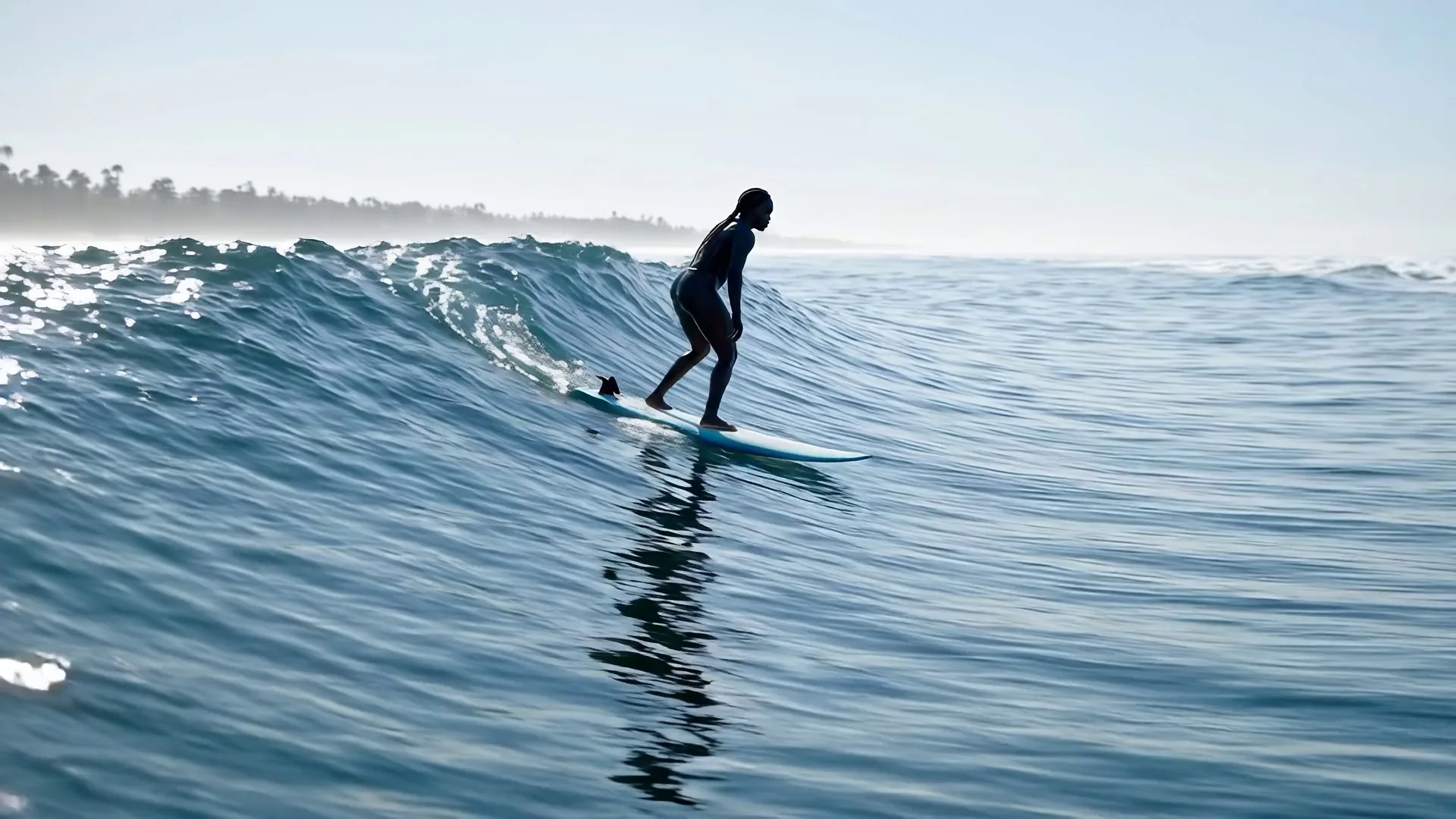
A surfer riding along a sunlit ocean wave

Veo 3.1 Fast

The default video model. It supports text and one starting image, with landscape or portrait output and native audio options. The cost example below uses eight seconds at 1080p with audio.
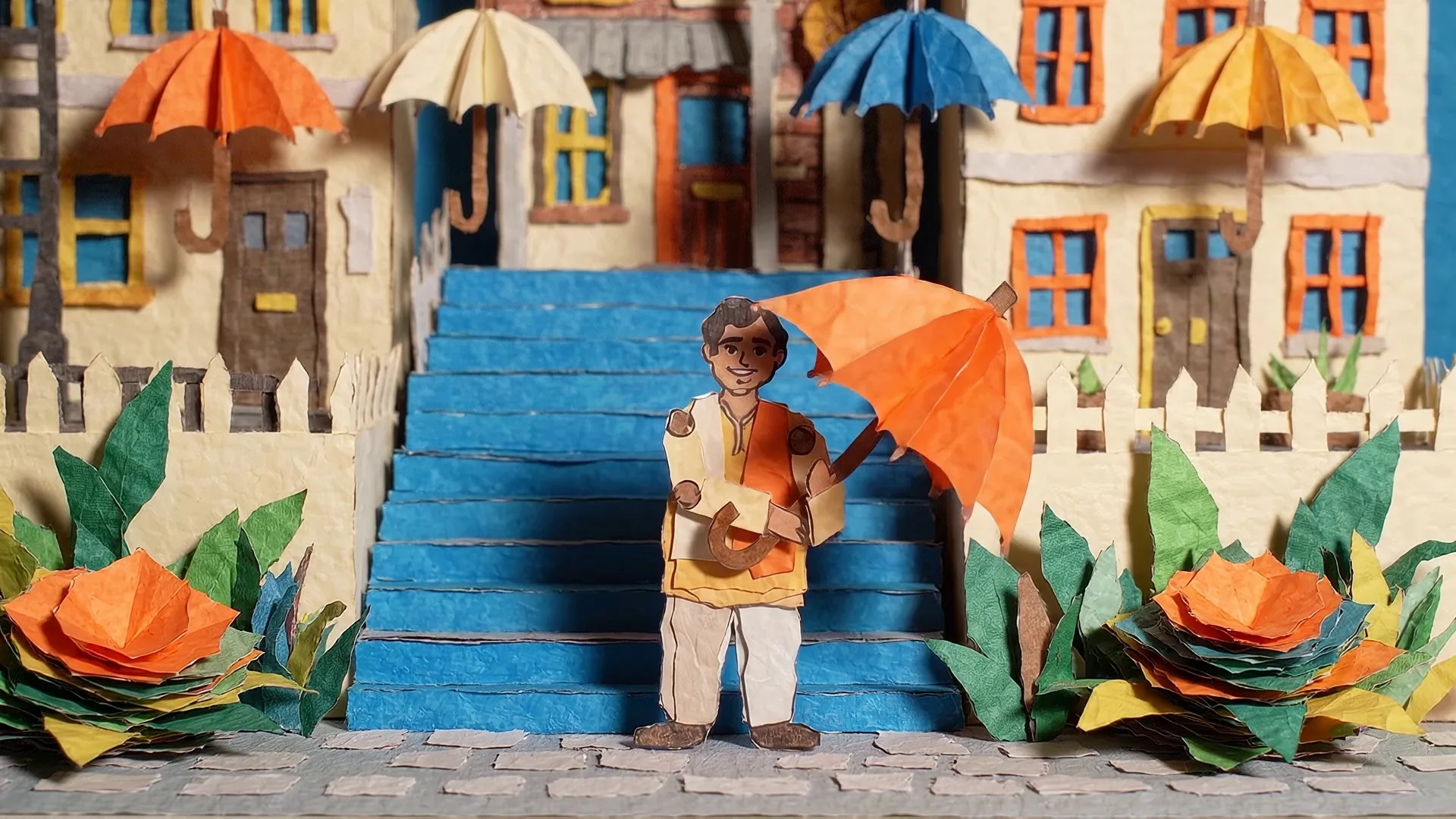
Paper umbrellas moving through a layered handcrafted street

MiniMax H3 Lite

A starting point for a smaller credit budget at lower resolution. The configured five-second example uses 480p and native audio; check the current confirmation for other supported settings.
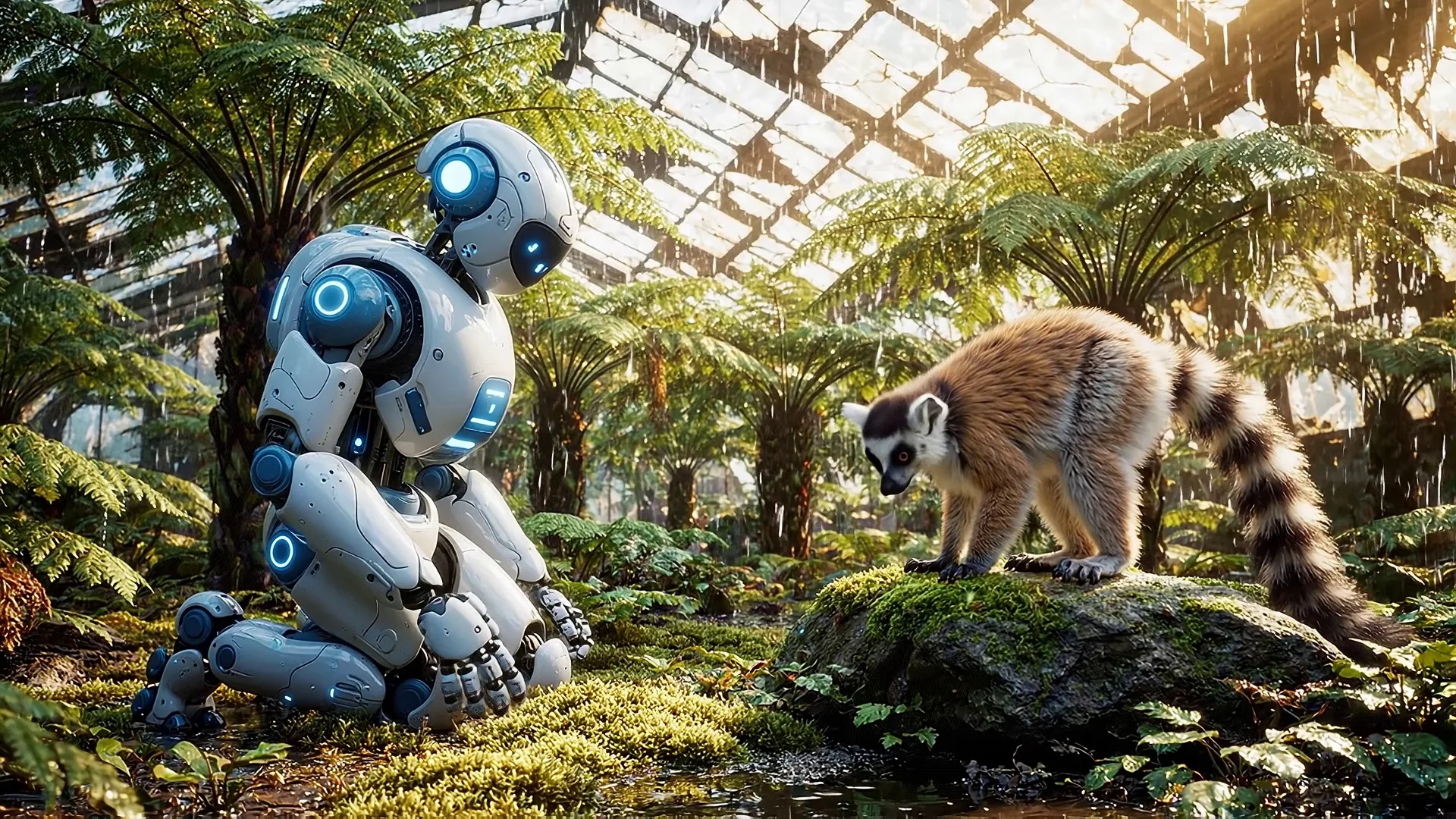
A gentle exploration mech reaching toward a furry companion in a greenhouse

Kling 2.6

Another option for text or one starting image. Duration and audio choices depend on the priced combination. Text input offers ratio choices, while image input uses the reference's automatic framing.

Set the action, duration and sound

Give the shot one clear action and a camera direction. Specify the pace and what should remain stable. Then choose a supported duration, resolution and audio setting. More movement does not always make a better shot: review flicker, anatomy, object shape and scene changes across the full clip.
  • Separate subject movement from camera movement in your brief.
  • Use the current priced settings; duration options are not the same for every model.
  • Native audio depends on the selected combination. Review the soundtrack before publishing.
Explore video prompt ideas

One credit balance for images and video

Choose a monthly plan, pay yearly with two months off, or add a one-time credit pack. Images and video share your balance. Available plans show a purchase button.

Starter

For your next visual idea.

$19.90/ month
Billed monthly. Cancel future renewal anytime.

1,000 credits / month

Monthly credits remain available through the current billing period.

Unexpired purchased credits remain usable after cancellation.
  • ✓  All available paid image and video models
  • ✓  Model-supported sizes and settings
  • ✓  Private results and original downloads
  • ✓  Same model credit rates on every plan

Studio

More room for frequent creation.

$59.90/ month
Billed monthly. Cancel future renewal anytime.

5,000 credits / month

Monthly credits remain available through the current billing period.

Unexpired purchased credits remain usable after cancellation.
  • ✓  All available paid image and video models
  • ✓  Model-supported sizes and settings
  • ✓  Private results and original downloads
  • ✓  Same model credit rates on every plan

How to use the AI video generator

Plan one shot, confirm a supported output and inspect the full result. Keep the brief simple enough to see which part needs changing on the next attempt.

Write a shot brief, or add one reference and describe the movement you want to see. Name the subject, setting, action, camera direction and pace. Upload only images you have permission to process.

AI video generator FAQs

Check access, input requirements and the limits that matter before generating. Get generation help. Need an image to start from? Explore the AI image generator.

Create the shot you have in mind

Start with one scene and one clear action. Choose your model, check the settings and bring the shot into motion.
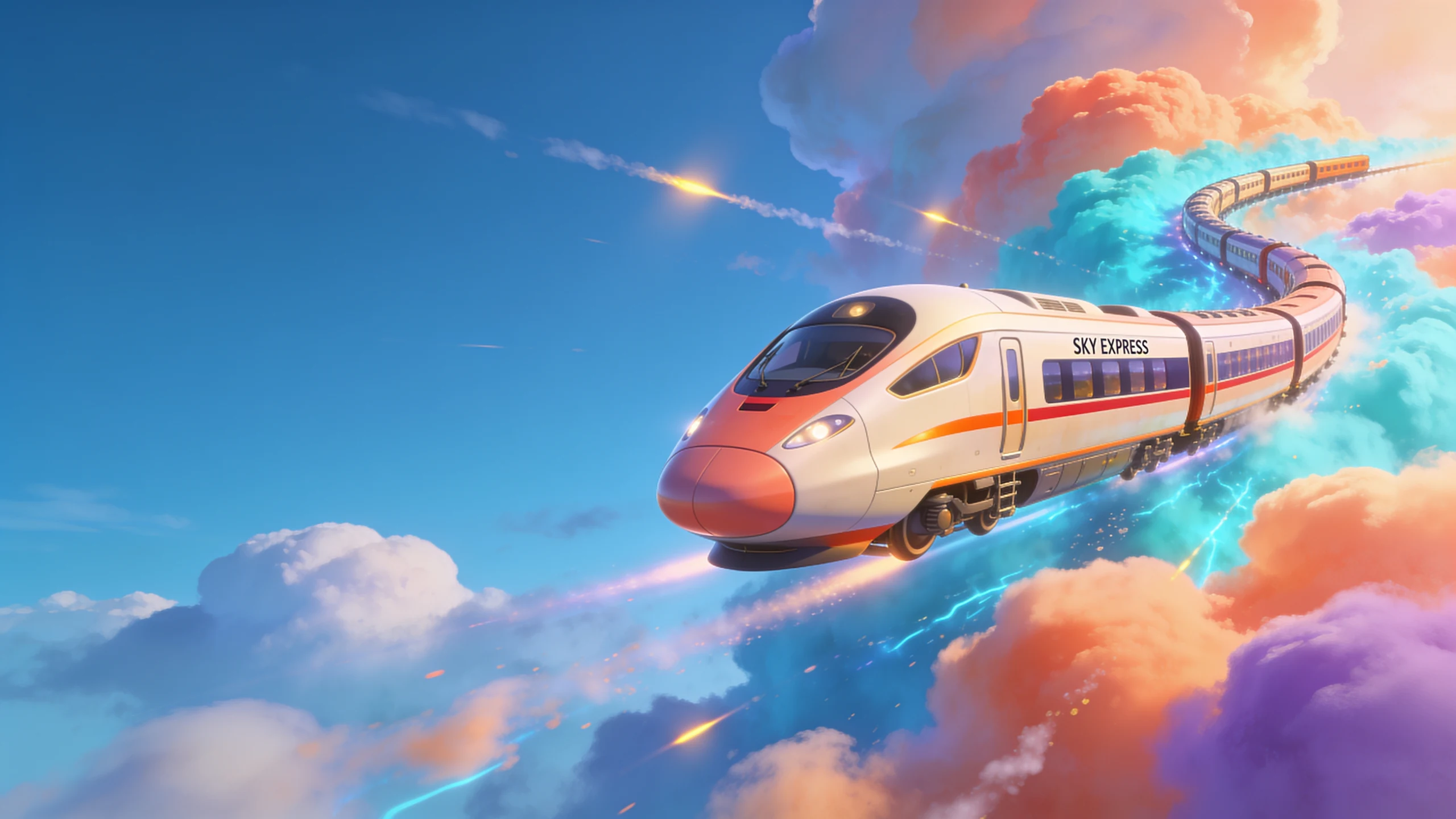
A bright animated sky express rushes through colorful clouds